Local-only scans
Scan this PC or a chosen folder. Analysis runs on your machine. No cloud upload of paths or file contents.
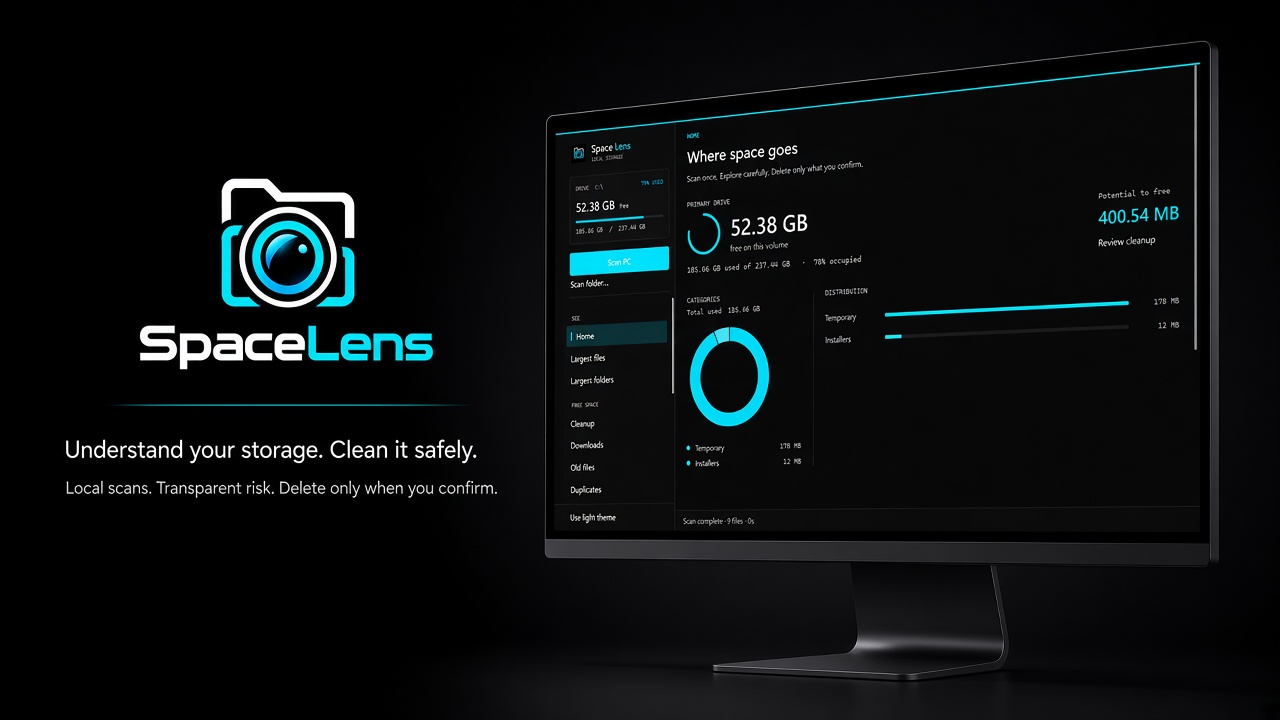
Understand your storage. Clean it safely.
A Windows desktop storage analyzer and cleanup assistant. Local scans, transparent risk labels, and confirm-before-delete cleanup so nothing is removed until you approve.
SpaceLens is built for people who want to reclaim disk space without surprise deletes: see what fills the drive, understand the risk, and clean only what you approve.
Get the Windows release from GitHub. Scans stay on your PC.
Why it matters
Disk cleanup tools often hide what they will remove, push cloud accounts, or make it easy to wipe the wrong folder. SpaceLens keeps analysis on your PC, labels risk clearly, and never deletes until you confirm.
The product
A Windows storage analyzer and cleanup assistant: local scans, transparent risk, and deletes only when you confirm.
What's inside
Scan this PC or a chosen folder. Analysis runs on your machine. No cloud upload of paths or file contents.
Map largest files and folders, Downloads, duplicates, and other space hogs so you know where capacity went.
Items are labeled SAFE, REVIEW, PROTECTED, or UNKNOWN so cleanup suggestions stay honest about risk.
Default cleanup moves to the Recycle Bin. Permanent delete needs two confirmations. You stay in control.
System and personal roots are never one-click wipe targets. Protected and unknown items are never treated as SAFE.
Download the open-source Windows build from GitHub. Self-contained x64 release with no account required.
Tech highlights
FAQ
Status
SpaceLens is available as an open-source Windows app on GitHub. Download the latest release, scan locally, and clean with transparent risk and confirmation.